Table of Contents
Step 1 — Install the ClickLeadz extension #
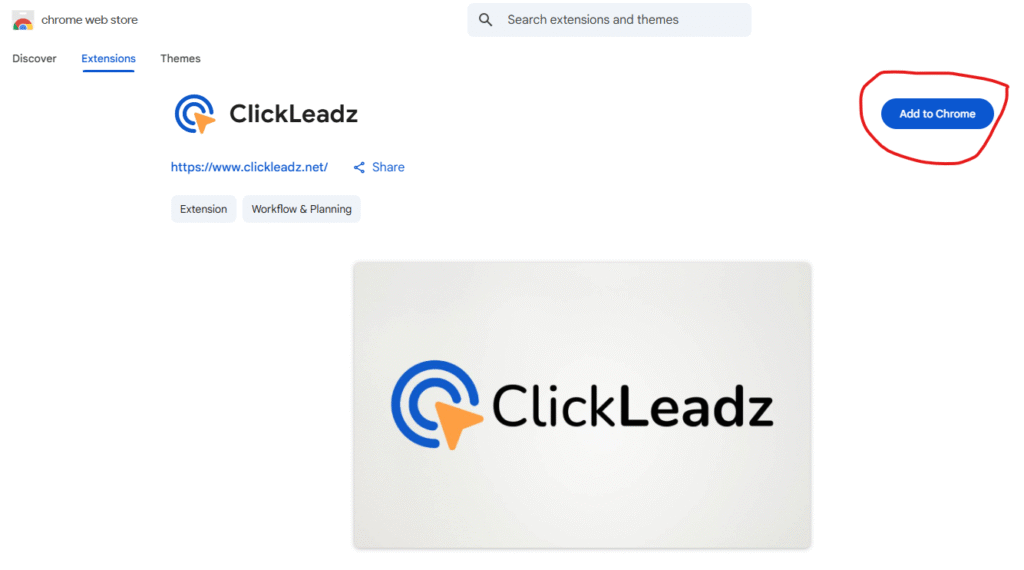
- Open the Chrome Web Store and search for ClickLeadz or click here to access ClickLeadz chrome extension directly on chrome store
2. Click “Add to chrome” Button
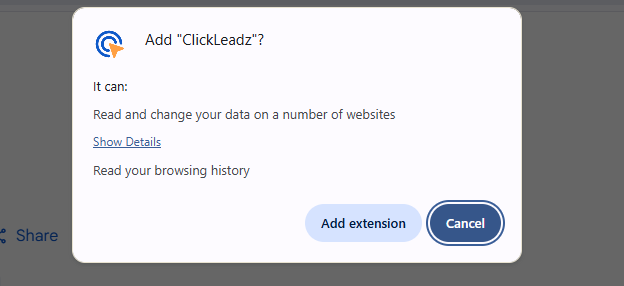
3. Click “Add extension” button
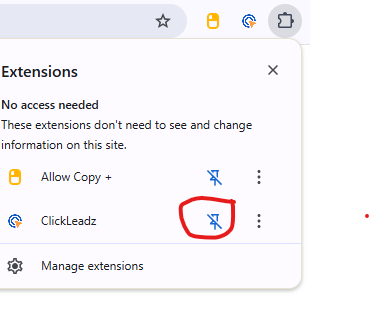
Click on the extension tab on the right corner of your chrome bar
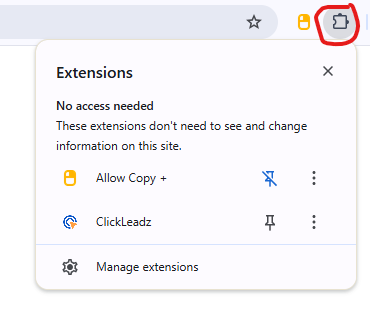
Click the puzzle icon in order to pin the extension to your toolbar for easier access